











































What the glitch text screen is
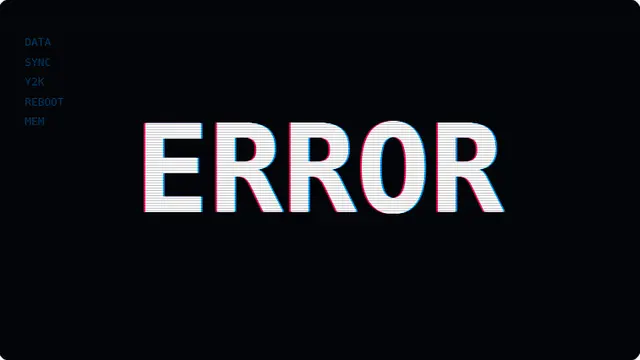
Whatever you type goes in the middle of the screen and gets wrecked. The effect is several things layered: the same text drawn three times at slightly different offsets — your first colour to the left, a white core, your second colour to the right; horizontal bands of the canvas copied back onto itself at a displacement; characters swapped for block glyphs mid-burst; and scanlines over the top of everything.
The one that people notice is the punch — the text snapping to a bigger size, often stretched more in one axis than the other, then dropping back. It is a hard cut rather than a smooth zoom, because a glitch that eases in is not a glitch.
Restraint is what makes it work. The screen is stable most of the time, and the glitches arrive in short bursts. Constant corruption stops reading as a glitch and starts reading as noise.
- A name, a handle or a band name as a full-screen title card
- A Y2K or vaporwave aesthetic for a stream or a party
- A "system is broken" screen for a set or a game
- A striking full-screen effect that is genuinely eye-catching
Custom glitch text, colour split and scale punch, fullscreen
The text field takes up to twenty-four characters, and the type sizes itself to fit — a short word fills the screen, a longer phrase scales down to stay on one line. Your text is written into the address bar as you type, so a particular word in particular colours is a link you can bookmark or send.
The two colour fields are the split itself. The defaults are the classic red and blue of a misaligned monitor, but any two hex values work: cyan and magenta for a print-registration look, two neighbouring hues for something subtle, or a hot pair for maximum vaporwave. The letters keep a white core whatever you choose, so the text stays readable and your colours read as the fringes either side.
The intensity control changes both how often bursts happen and how violent they are: how far the colour channels separate, how many bands displace, how many characters corrupt, and how hard the size punch hits. At the low end it is an occasional twitch; at the top it barely settles.
This one flashes and jumps. If that is a problem, Pause holds it on a stable frame.
How to run the glitch text screen full screen
Press the fullscreen button on the player, or the F key. Escape brings you back to the page. On a desktop browser F11 does the same job and hides the browser’s own toolbars as well, which is what you want on a display that is going to be left running.
Everything you change in the settings is written into the address bar as you change it, so the version you have set up is a link. Bookmark it, or send it to whoever is running the screen. Space pauses and resumes at any time.