













































What the mystify screensaver is
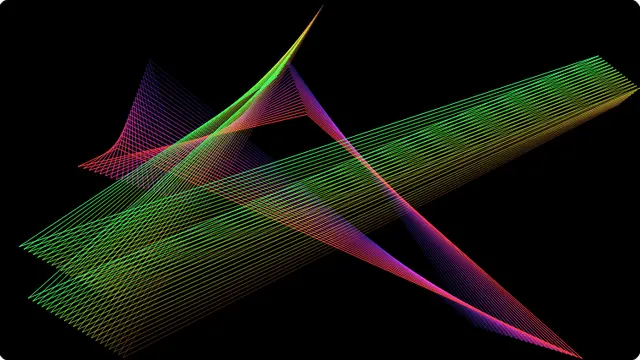
Each shape is only four corners and four lines. Every corner travels in a straight line until it reaches an edge, then reflects. What makes it Mystify is that the last few dozen positions of the polygon stay on screen, so the shape drags a ribbon of its own history behind it and the whole thing appears to fold through itself.
The colours are not painted onto the trail — each line keeps the colour it was drawn in, and the hue moves on. That is why the gradient runs backwards through the stack rather than sweeping across it, and it is the detail most reimplementations get wrong.
- The screensaver you remember from a school or office computer
- A calm, low-contrast background for a stream or a shared monitor
- Something to leave on a display that should not sit on a static image
Windows Mystify screensaver, online and free
Shapes sets how many polygons run at once. The original alternated between one and two; more than three starts to fill the screen, which some people want on a large display and nobody wants on a laptop.
Trail length is the number of past positions kept. Short trails give you a single clean polygon tumbling around; long ones give the dense woven look the screensaver is remembered for. Both settings stay in the address bar, so a version you like is a link.
How to run the mystify screensaver full screen
Press the fullscreen button on the player, or the F key. Escape brings you back to the page. On a desktop browser F11 does the same job and hides the browser’s own toolbars as well, which is what you want on a display that is going to be left running.
Everything you change in the settings is written into the address bar as you change it, so the version you have set up is a link. Bookmark it, or send it to whoever is running the screen. Space pauses and resumes at any time.