














































What the tunnel screensaver is
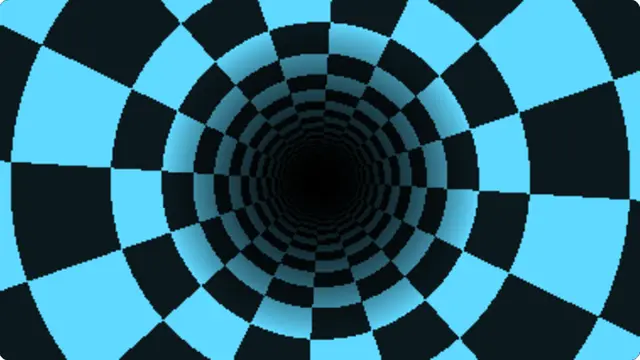
There is no three-dimensional model anywhere in this. Each pixel is described by two numbers worked out once — the angle it sits at around the centre of the screen, and one divided by its distance from that centre. Those two numbers pick a square out of a repeating pattern, and because one-over-distance climbs towards infinity as you approach the middle, the pattern crushes together into a hole with no floor.
Sliding the pattern along the distance axis flies you forward. Sliding it along the angle axis rolls the tunnel. That is the whole effect, and it is why a machine from 1991 could run it at full frame rate while doing almost nothing per pixel.
- A high-energy background for a stream, a party or a stage screen
- A demoscene-flavoured display for anything retro-computing
- Something genuinely hypnotic to leave on a monitor
The demoscene tunnel effect, in a browser tab
Pattern changes what the tunnel wall is made of. Checker is the version everyone remembers. Rings depend on depth alone, so they arrive as flat discs flying at you rather than as a textured surface. Spiral shears the checker so the whole tunnel appears to twist, and Grid leaves thin bright lines on a dark wall, which is the closest of the four to a wireframe.
The colour control tints the whole thing, and every setting is written into the address bar as you change it, so a look you like is a link you can bookmark or send on.
How to run the tunnel screensaver full screen
Press the fullscreen button on the player, or the F key. Escape brings you back to the page. On a desktop browser F11 does the same job and hides the browser’s own toolbars as well, which is what you want on a display that is going to be left running.
Everything you change in the settings is written into the address bar as you change it, so the version you have set up is a link. Bookmark it, or send it to whoever is running the screen. Space pauses and resumes at any time.