Fake Screens & Prank Screens
Convincing fake screens that do absolutely nothing to the computer running them. Each one is a web page: press Escape and it is gone, with no trace and nothing installed.
-
 Windows 11 update
 -
 Windows 10 update
 -
 macOS update
 -
 BSOD
BSOD -
 iPhone update
 -
 Android update
 -
 Ubuntu update
 -
 Windows 8 update
 -
 Windows 7 update
 -
 Windows XP update
 -
 ChromeOS update
 -
 iPad update
 -
 iPhone 16 update
 -
 Vista update
 -
 PlayStation update
 -
 Windows 98 update
 -
 Xbox update
 -
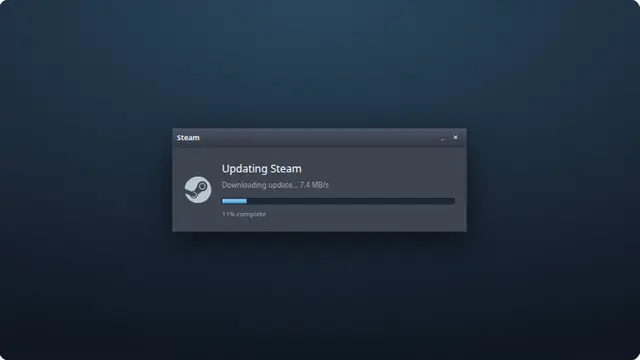 Steam update
 -
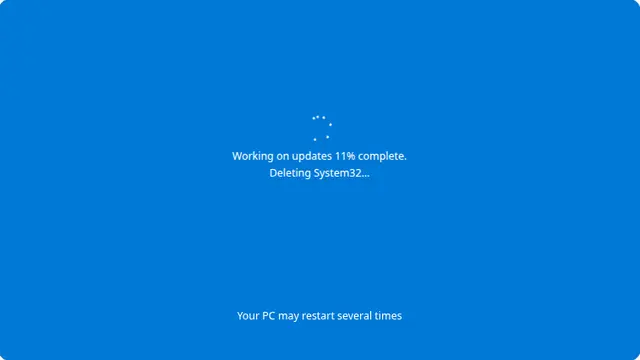 Sarcastic update
 -
 Cracked screen
 -
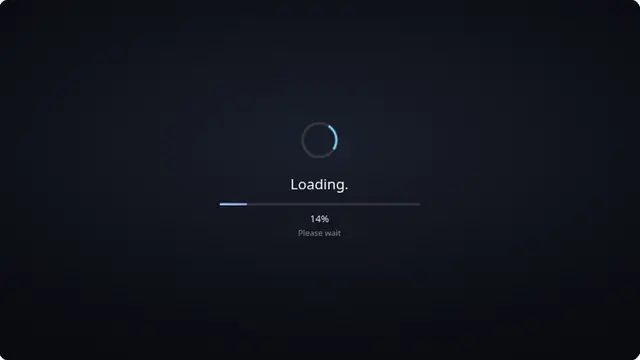 Loading screen
 -
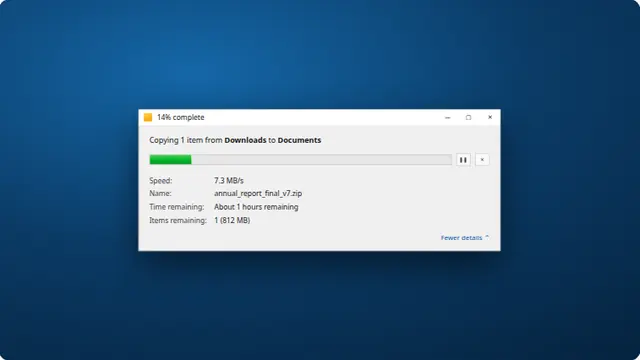 Download screen
 -
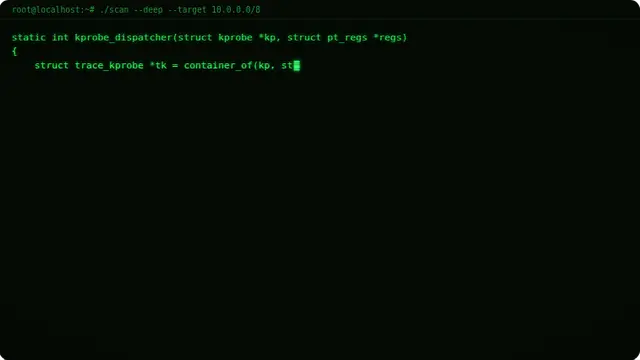 Hacker typer
 -
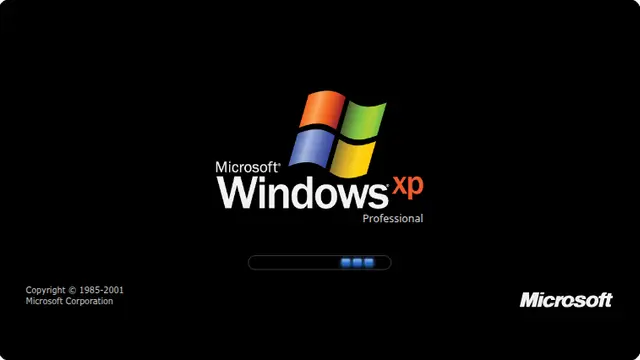 XP boot screen
 -
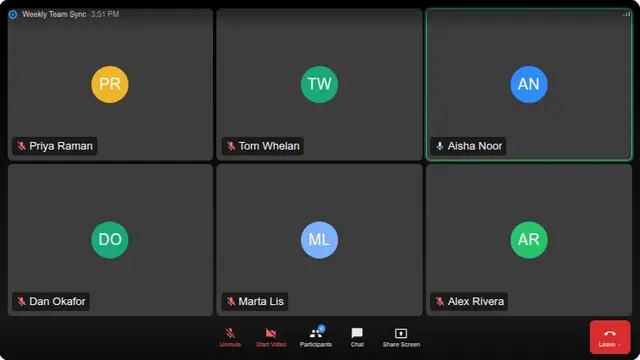 Zoom call
 -
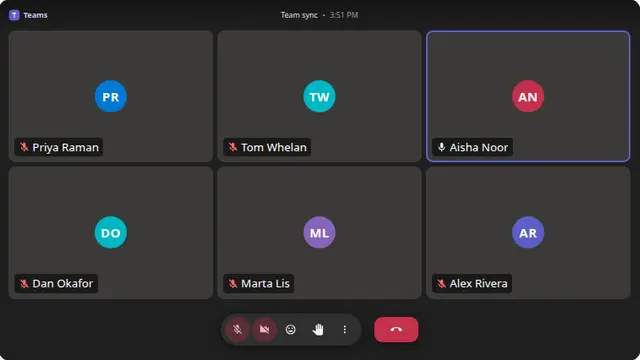 Teams call
 -
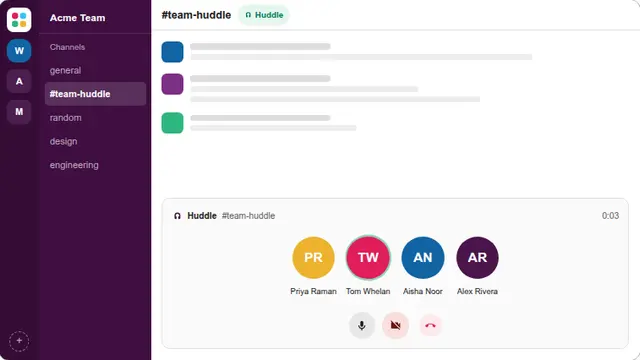 Slack huddle
 -
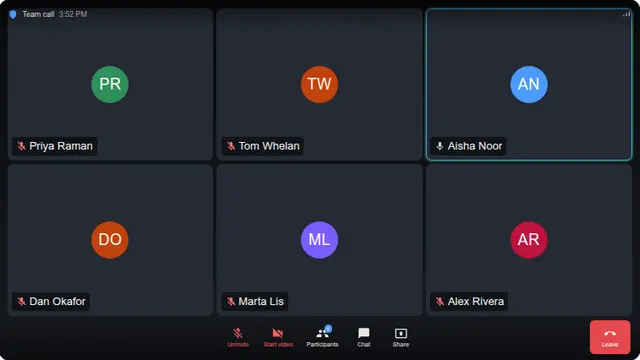 Video call
How these prank screens work
Each one is a web page that draws a convincing picture of something else — an operating system update, a crash, a cracked panel. Nothing is installed, nothing is changed, no file is touched and no permission is requested. Close the tab and there is no trace left.
Press Escape to leave fullscreen at any point. If someone used F11 to hide the browser toolbars, pressing F11 again brings them back. That is the whole escape hatch, and it is worth showing the person you are pranking once the joke has landed.
Use these on people who will find them funny, and on machines you are allowed to touch. We deliberately do not host fake law-enforcement lock screens or fake virus warnings that demand a phone call — those are the templates real scams use, and they frighten people rather than amusing them.
Questions
Are these fake screens safe?
Completely. Every one is a web page drawing a picture of something else. Nothing is installed, no file is touched, no setting is changed and no permission is requested. Press Escape and the joke is over; close the tab and there is nothing left behind to undo.
How do you exit a fake update screen?
Press Escape to leave fullscreen. If the browser toolbars were hidden with F11, pressing F11 again brings them back. Once you can see the tab bar, close the tab. Show the person you pranked this once the joke has landed — the panic is only funny for a few seconds.
Will it fool anyone?
For a few seconds, on a screen that is already fullscreen, usually yes. The illusion holds because the cursor is hidden and every browser control is gone. It falls apart the moment someone presses a key or the screen is looked at closely, which is exactly the point — it is a joke, not a trick.
Which fake screens are here?
Fake update screens for Windows 11, 10, 8, 7, XP, 98 and Vista, macOS, iOS, iPadOS, Android, Chromebook, Ubuntu, Steam, Xbox and PlayStation. Also a blue screen of death, a cracked screen, a hacker typer, a fake download, and fake Zoom, Teams and Slack calls.
Can I set my own text and progress?
Yes. The update screens take a custom percentage, custom message text and a chosen speed, all of which live in the URL. That means you can set the prank up in advance on your own machine and open it later as a single bookmark.
Is there anything you deliberately do not host?
Yes. There are no fake law-enforcement lock screens, no fake virus warnings with a phone number to call, and no fake ransom demands. Those are the exact templates real scams use — they frighten people rather than amusing them, and someone always ends up calling the number.
Is it legal to prank someone with these?
Playing a joke on a friend's machine that you are allowed to touch is fine. Using a fake screen to deceive an employer, an insurer, an examiner or anyone who would suffer a real loss by believing it is not, and that is on you rather than on the page.