










































Skip to content
Browser Screensaver

Fake iPhone 16 Update Screen

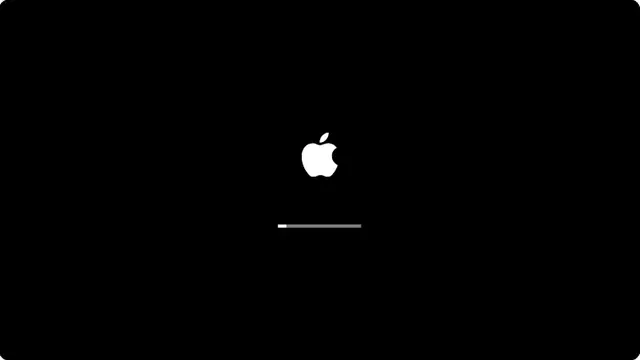
The preparing-update screen an iPhone 16 shows before it restarts, black with a hairline bar and no numbers.

Press F for fullscreen, Esc to exit.

What the fake iphone 16 update screen is

The update screen has not changed much across recent iPhone generations, which works in your favour: this reads correctly on any modern iPhone rather than only the newest one.

The phrasing here is the preparing stage rather than the installing one — the bit before the restart, which is the longer and more irritating half.

iPhone 16 update prank, no download

Add the page to the home screen and open it from there for a screen with no browser interface at all.

Nothing is installed, no permission is requested, and swiping the page away ends it completely.

How to run it, and how to stop it

Press F for fullscreen, then F11 to hide the browser’s own toolbars. That second step is the one that matters: an address bar sitting above the screen gives the whole thing away instantly.

To end it: Escape leaves fullscreen, F11 brings the toolbars back, and closing the tab removes it entirely. Nothing is installed, no file is written and no setting is changed, so there is nothing to undo afterwards.

Worth saying plainly — use this on people who will find it funny, and on machines you are allowed to touch. Show them the way out once the joke has landed.

Questions

Does this only work on an iPhone 16?

No. It is a web page and runs anywhere. The screen design is shared across recent iPhone generations, so it reads correctly on most of them.

Is the update screen different on the iPhone 16?

Not meaningfully. Apple has kept the same minimal black screen with a hairline progress bar for several generations.

Can this actually start an update?

No. A web page has no way to trigger a system update, and nothing here tries.

How long does the fake update screen run?

You choose. The run-time control sets how long a full sweep from nought to a hundred per cent takes — anything from one minute to two hours — and the progress is paced to land on a hundred exactly when that time is up. On reaching the end it starts over by default, so it keeps going until the tab is closed; switch it to stay at 100 per cent if you would rather it settled there.

Why does the percentage freeze part-way?

Because real ones do. The screen stops at an arbitrary number for a few seconds and then jumps, which is the single most convincing detail on it. The stalls never change the total run time — the bar catches up afterwards — and you can turn them off for a smooth climb.

Is the fake iphone 16 update screen safe?

Yes. It is a web page that draws a picture. It installs nothing, writes nothing to your device, requests no permissions, and cannot survive the tab being closed.

How do I exit?

Press Escape to leave fullscreen. If F11 was used to hide the browser toolbars, press F11 again to bring them back. Closing the tab ends it completely.