Browser Screensavers
Screensavers that run in a browser tab instead of an installer. Everything here is drawn with code, so it starts instantly and works on any machine with a modern browser.
-
 DVD logo
 -
 Matrix rain
 -
 Flip clock
 -
 TV static
 -
 Colour bars
 -
 Starfield
 -
 Quotes
 -
 Radar
Radar -
 Particles
 -
 Pipes
Pipes -
 Fire
Fire -
 Snowfall
 -
 Christmas
 -
 Bubbles
 -
 Fireworks
 -
 Lasers
 -
 Maze
Maze -
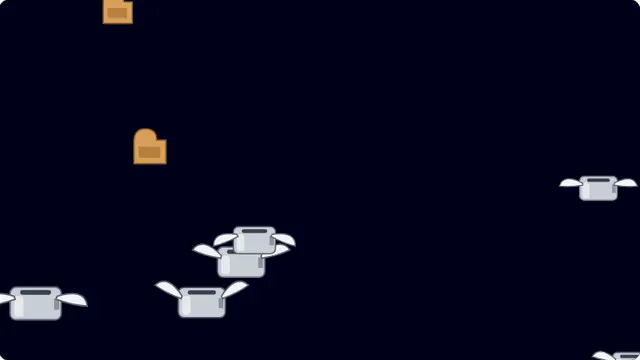 Toasters
 -
 Glitch text
 -
 QR code
 -
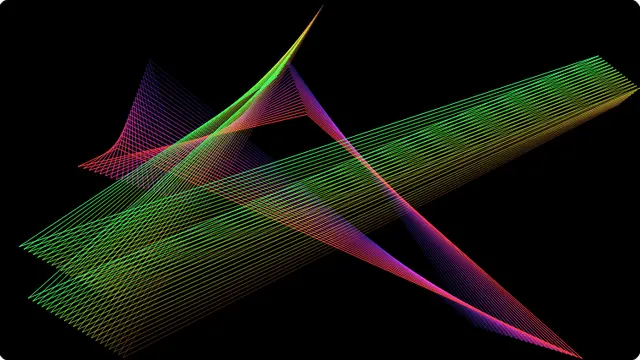 Mystify
 -
 Plasma
 -
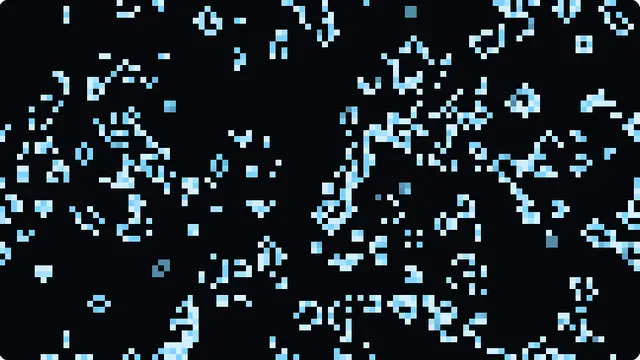 Game of Life
 -
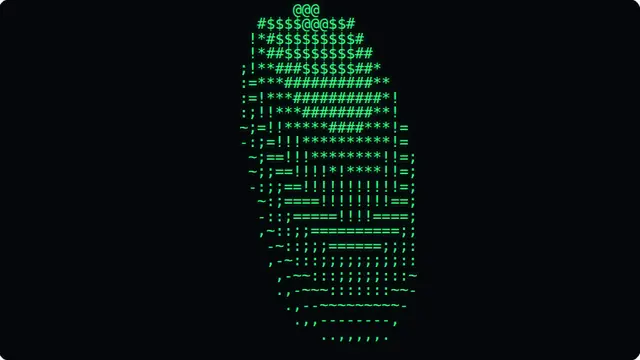 ASCII donut
 -
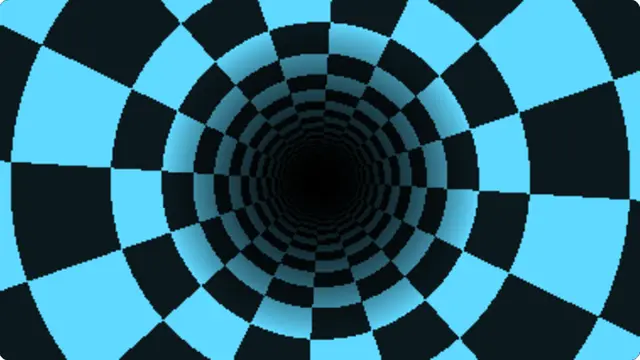 Tunnel
 -
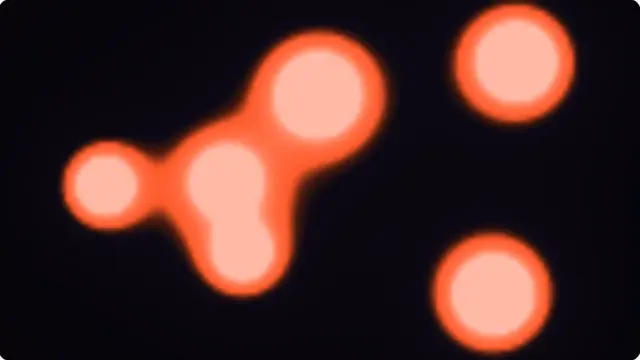 Lava lamp
 -
 Fractal zoom
 -
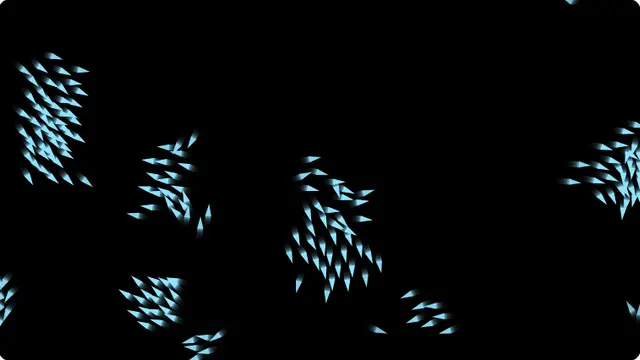 Boids
Boids -
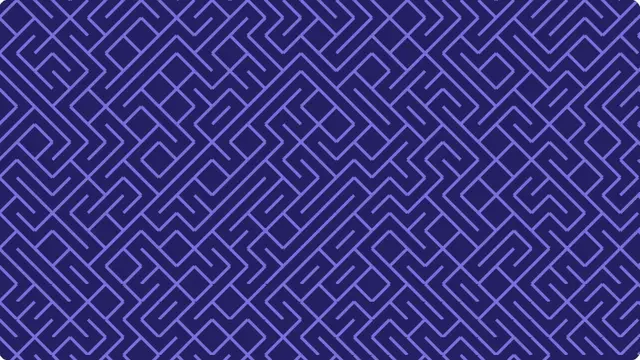 10 PRINT
Screensavers that run in a browser tab
A screensaver used to be a program you installed to stop a phosphor CRT burning an image into itself. Modern LCD and OLED panels do not need saving in that sense, so what is left is the part people actually liked: something good to look at on an idle screen. That does not need an installer.
Every effect here is drawn with code in the browser — no video files, no plugin, no download. Open one, press F, and leave it running. It will keep going on a laptop, a spare monitor, a TV with a browser, or a projector at the front of a room.
If you want one running permanently, disable the sleep timer on the display itself. A browser tab cannot stop the operating system from turning the screen off, and no web page can — anything claiming otherwise is guessing.
If you came here for the ones off the Display Properties list — 3D Pipes, Mystify, Starfield, 3D Maze — they are collected on the Windows 98 screensavers page, along with the After Dark toasters and the rest of that era.
Questions
What is a browser screensaver?
A screensaver that runs as a web page instead of an installed program. You open a URL, press F for fullscreen and leave it — the animation is drawn by the browser, so nothing is downloaded onto the machine and nothing has to be given permission to run. Closing the tab removes every trace of it.
Do these actually replace a real screensaver?
For anything you want to look at, yes. What they cannot do is launch themselves after an idle period, because a web page has no way to hook into the operating system. Leave the tab open in fullscreen and it runs indefinitely; if you want a screensaver that starts by itself when you walk away, that has to be set in your system settings.
Will my screen still go to sleep?
Possibly. The browser does not control your display's sleep timer, so if your machine is set to blank the screen after ten minutes it will do that regardless of what the page is showing. Turn the sleep timeout off in your power settings first if you want a screensaver running all evening.
Which screensavers are here?
The classics people actually remember — the bouncing DVD logo, 3D pipes, flying toasters, mystify, matrix rain, starfield and a flip clock — alongside algorithmic ones that never shipped with an operating system: Game of Life, boids flocking, plasma, a Mandelbrot zoom, the ASCII donut and 10 PRINT.
Do they work on a TV or a projector?
Yes, on anything with a modern browser. A smart TV browser, a laptop plugged into a projector, a Raspberry Pi on a wall display and a spare tablet all work. Because the effects are drawn with code rather than played as video, they render at whatever resolution the screen actually is and never look like a compressed file.
Do they use a lot of CPU?
Most are light — a canvas animation running at your display's refresh rate. The heavier ones scale with the window, so if a laptop fan spins up, make the browser window smaller or turn the speed and density settings down. Every screen has a pause control.
Can I customise them?
Yes. Colour, speed, density and size are adjustable on most screens, and every change is written into the URL. A configured screensaver is a link, so you can set one up once and bookmark exactly that version.