










































Skip to content
Browser Screensaver

Screen Uniformity Test

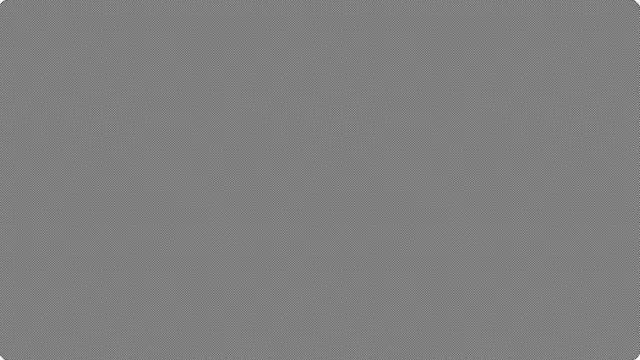
Flat fields of white, grey and black. Uneven brightness or a tint toward one edge shows up here and is invisible in normal use.

Uniformity is about the whole panel at once. Start the test, then step through white, grey and black.

Press F for fullscreen, Esc to exit.

What the screen uniformity test shows

No LCD is perfectly uniform. The backlight is brighter near its edges or its emitters, and the layers in front of it vary slightly across the panel. Some variation is normal; a visible gradient or a distinctly warmer corner is not.

Mid grey is the most revealing field, and it is the one most tests leave out. White saturates your perception of brightness differences and black hides everything except bleed, but a 50% grey shows both brightness variation and colour tinting at the same time.

How to judge uniformity by eye

Sit back further than you normally would, at least an arm and a half from the screen, and look at the panel as a whole rather than scanning it. Uniformity problems are a low-frequency pattern; they are much easier to see out of focus than in.

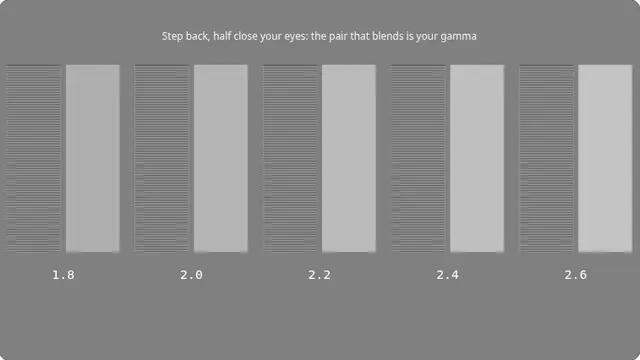
Then defocus deliberately — half close your eyes. Fine detail disappears and broad brightness variation becomes obvious. This is the same trick used for judging print, and it works for the same reason.

What this test cannot tell you

A web page cannot measure luminance at points across your panel. Professional uniformity figures come from a meter sampling a grid of positions; this shows you the field and leaves the judgement to your eyes.

Questions

Is some unevenness normal?

Yes. Every LCD varies across the panel, and manufacturers publish tolerances rather than promising perfection. A gentle gradient is normal; a clearly brighter corner or a visible patch is worth raising.

Why does grey show more than white?

Because white saturates your sense of brightness differences and black only shows bleed. Mid grey sits where the eye is most sensitive to both brightness variation and tint, which is why it is the useful field here.

Does viewing angle affect this?

Considerably, especially on VA and TN panels. Sit centred and square to the screen, or you will diagnose your seating position rather than your monitor.

Is the screen uniformity test free?

Yes — free, with no account, no download and no limit. It is a web page, so it runs on any device with a modern browser.

Do I need to be fullscreen?

For anything involving the whole panel, yes. Press F, or the fullscreen button. On a desktop browser F11 also hides the browser toolbars, which matters for the tests where a bright strip at the top of the screen would affect what you are looking at.