












































What the refresh rate test shows
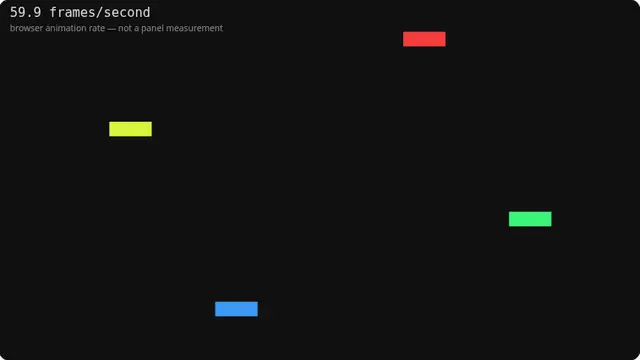
The figure in the corner is how often the browser handed this page a frame, measured as the median interval over the last two seconds. On a well-behaved system with nothing else running, it usually matches the display’s refresh rate — which is why it is a useful indication.
But it is an indication, not a measurement. The compositor caps it, the browser may throttle it, a variable-refresh display changes it moment to moment, and a busy machine drops frames. The number tells you what the browser managed; your panel’s actual refresh rate is in your display settings.
What the number means and what it does not
A steady figure close to a common refresh rate — 60, 75, 120, 144, 165, 240 — means the browser is keeping up with the display. A figure that wanders suggests either variable refresh rate is active or something else on the machine is competing for time.
A figure noticeably below your display’s rated refresh rate usually means the browser is being throttled rather than that the panel is slow. Close other tabs and try again before concluding anything about your monitor.
The moving bars are the more useful half. At a matched rate they glide; at a mismatched one they stutter visibly, and that is something you can see rather than a number to trust.
What this test cannot tell you
This is the browser’s animation callback rate, not the panel’s refresh rate. Those coincide often enough to be useful and differ often enough that quoting one as the other — as most sites do — is simply wrong.