










































Skip to content
Browser Screensaver

Monitor Sharpness Test

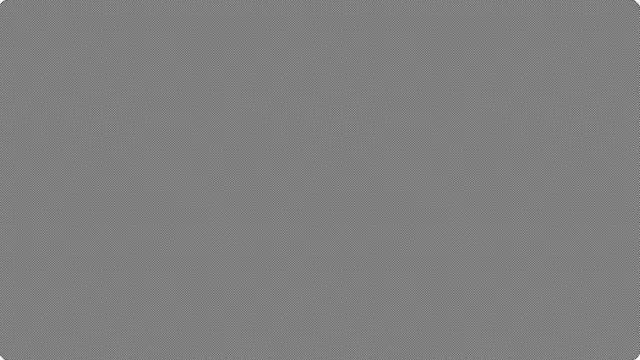
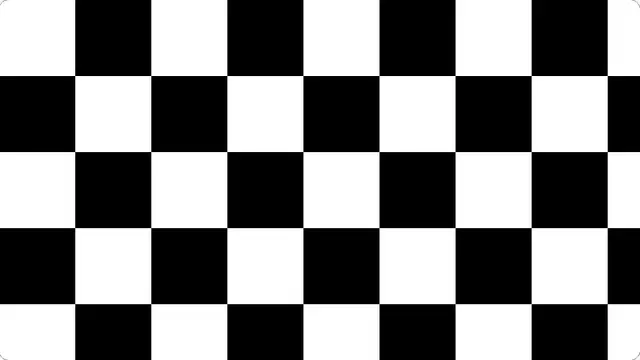
A checkerboard one device pixel wide. On a correctly driven panel at native resolution it should read as flat mid grey from a normal distance.

This pattern is one device pixel wide. It only means anything at full screen with the browser at 100% zoom.

Press F for fullscreen, Esc to exit.

What the monitor sharpness test shows

If you can see structure — a pattern, a shimmer, or a colour tint — something in the chain is not showing the image one pixel to one pixel. Either the display is scaling, or a sharpness setting is adding edges that are not in the signal.

This is drawn on device pixels rather than CSS pixels. That distinction matters enormously: a "one pixel" pattern drawn in CSS pixels on a 2× display is two device pixels wide and tests nothing at all, which is what most versions of this test do.

How to read the sharpness pattern

Sit at your normal viewing distance. The checkerboard should blend into an even grey. Step closer and you should see the individual pixels; step back and it should be uniform.

A visible shimmer or moiré usually means the display is scaling. A bright or dark halo means the sharpness control is too high — most displays look best with sharpness at or near zero, and the factory default is usually too aggressive.

The convergence pattern draws red, green and blue lines one pixel apart. On an LCD they should be perfectly parallel and distinct.

What this test cannot tell you

Only valid at 100% browser zoom and at the panel’s native resolution. Any scaling in between makes the pattern meaningless — and on a HiDPI display, the pattern is drawn at device resolution, so it will look finer than you expect.

Questions

Should the checkerboard look grey?

Yes, from a normal viewing distance, on a display running at native resolution with sharpness turned down. If you see a pattern or a shimmer, something is scaling or sharpening the image.

What sharpness setting should I use?

On a computer monitor, zero or as close to it as the menu allows. Sharpness controls add artificial edges; on a correctly scaled signal there is nothing to sharpen, and the default setting usually adds visible halos.

Why does this look different on my phone?

Phones have very high pixel densities, so a one-device-pixel pattern is far too fine to resolve. It will look like flat grey regardless of whether anything is wrong.

Is the monitor sharpness test free?

Yes — free, with no account, no download and no limit. It is a web page, so it runs on any device with a modern browser.

Do I need to be fullscreen?

For anything involving the whole panel, yes. Press F, or the fullscreen button. On a desktop browser F11 also hides the browser toolbars, which matters for the tests where a bright strip at the top of the screen would affect what you are looking at.