














































What the fake blue screen of death is
The modern BSOD is a sad face, one paragraph of reassurance, a percentage, a QR code and a stop code. The older ones are a wall of monospaced text on a hard blue. Both are here, because which one somebody finds convincing depends entirely on when they last used Windows.
The stop codes are genuine — CRITICAL_PROCESS_DIED, IRQL_NOT_LESS_OR_EQUAL, MEMORY_MANAGEMENT and the rest. An invented code is the fastest way to give a fake BSOD away to anyone who has looked one up before.
- A prank on a colleague who will find it funny within ten seconds
- A screen for a film, a stream or a stage set
- Showing someone what a genuine crash screen looks like, safely
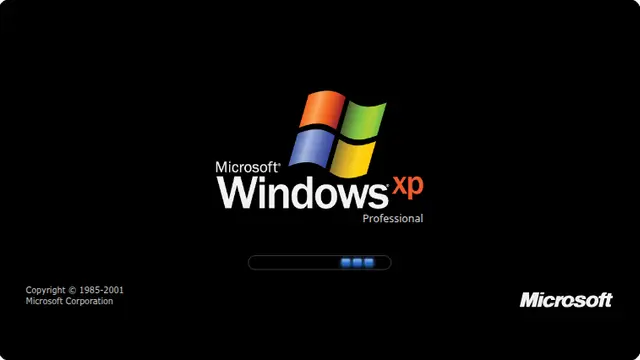
BSOD prank screen: Windows 10, 11, XP and 98
The version selector switches between eras, and the choice is written into the address bar — so a link to the XP one stays the XP one for whoever you send it to.
Press F11 before you walk away. A blue screen with a visible browser address bar above it is not going to fool anybody.
How to run it, and how to stop it
Press F for fullscreen, then F11 to hide the browser’s own toolbars. That second step is the one that matters: an address bar sitting above the screen gives the whole thing away instantly.
To end it: Escape leaves fullscreen, F11 brings the toolbars back, and closing the tab removes it entirely. Nothing is installed, no file is written and no setting is changed, so there is nothing to undo afterwards.
Worth saying plainly — use this on people who will find it funny, and on machines you are allowed to touch. Show them the way out once the joke has landed.