










































Skip to content
Browser Screensaver

Fake Windows Vista Update Screen

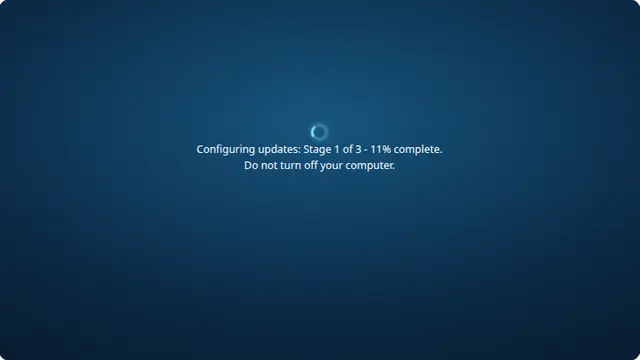
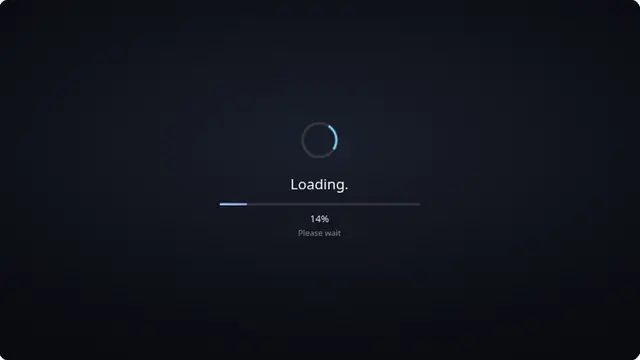
The Windows Vista configuring-updates screen, with the glassy ring spinner that defined the Aero years.

Press F for fullscreen, Esc to exit.

What the fake windows vista update screen is

Vista sat between the blocky XP look and the flat modern one, and its update screen shows it: black background, a translucent ring, and softly glowing blue accents. It is the most visually dated of the set and the most immediately recognisable to anyone who lived through it.

Vista’s reputation for slow updates is well earned, which makes a stalling progress number here more plausible than on any other version.

Windows Vista update prank, online

This one is nostalgia rather than deception. Nobody expects to see Vista in 2020s, so it works best on a shared screen where the joke is the point.

Press F11 to hide the browser toolbars, or leave them visible if you want it to read clearly as a bit.

How to run it, and how to stop it

Press F for fullscreen, then F11 to hide the browser’s own toolbars. That second step is the one that matters: an address bar sitting above the screen gives the whole thing away instantly.

To end it: Escape leaves fullscreen, F11 brings the toolbars back, and closing the tab removes it entirely. Nothing is installed, no file is written and no setting is changed, so there is nothing to undo afterwards.

Worth saying plainly — use this on people who will find it funny, and on machines you are allowed to touch. Show them the way out once the joke has landed.

Questions

Did Vista really look like this?

The colour, the ring spinner and the wording match the era. The glassy Aero styling was the whole visual identity of that release.

Is Vista still supported?

No. Support ended in 2017, which is part of why this reads as a joke rather than a genuine update.

Can I make it take forever?

Set the run time to two hours and it will barely move, which is arguably the most accurate Vista simulation available. Left on the default it starts over on reaching 100 per cent, so it never actually ends.

How long does the fake update screen run?

You choose. The run-time control sets how long a full sweep from nought to a hundred per cent takes — anything from one minute to two hours — and the progress is paced to land on a hundred exactly when that time is up. On reaching the end it starts over by default, so it keeps going until the tab is closed; switch it to stay at 100 per cent if you would rather it settled there.

Why does the percentage freeze part-way?

Because real ones do. The screen stops at an arbitrary number for a few seconds and then jumps, which is the single most convincing detail on it. The stalls never change the total run time — the bar catches up afterwards — and you can turn them off for a smooth climb.

Is the fake windows vista update screen safe?

Yes. It is a web page that draws a picture. It installs nothing, writes nothing to your device, requests no permissions, and cannot survive the tab being closed.

How do I exit?

Press Escape to leave fullscreen. If F11 was used to hide the browser toolbars, press F11 again to bring them back. Closing the tab ends it completely.