













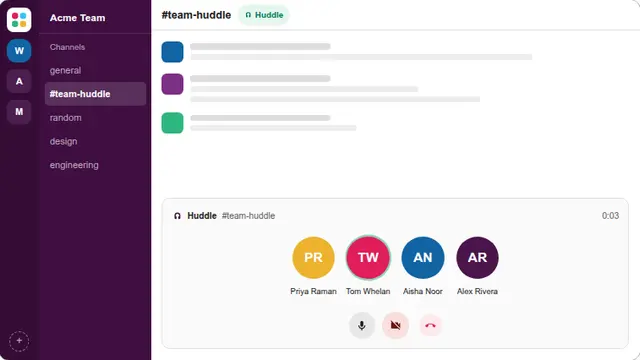































What the fake slack huddle is
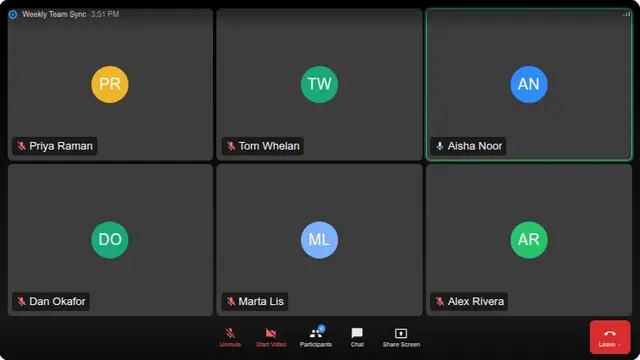
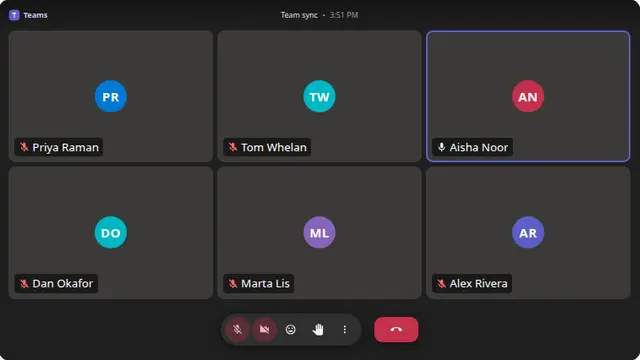
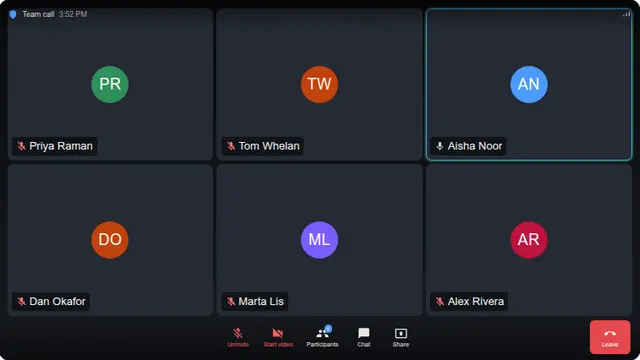
Huddles are smaller than meetings, which is why this one defaults to four participants rather than six. That difference in density is most of what distinguishes a huddle screen from a video call at a glance.
The timer counting up is the most convincing element. Nobody screenshots a huddle; a running clock says it is happening now.
- Signalling that you are mid-conversation on a visible screen
- A prop for a screenshot or a product mockup
- A joke for a team that huddles rather more than it needs to
Fake huddle screen, nothing to install
No workspace, no login, and no microphone permission. There is nothing to connect to.
Participant count is adjustable from two to nine and stored in the URL.
How to run it, and how to stop it
Press F for fullscreen, then F11 to hide the browser’s own toolbars. That second step is the one that matters: an address bar sitting above the screen gives the whole thing away instantly.
To end it: Escape leaves fullscreen, F11 brings the toolbars back, and closing the tab removes it entirely. Nothing is installed, no file is written and no setting is changed, so there is nothing to undo afterwards.
Worth saying plainly — use this on people who will find it funny, and on machines you are allowed to touch. Show them the way out once the joke has landed.