












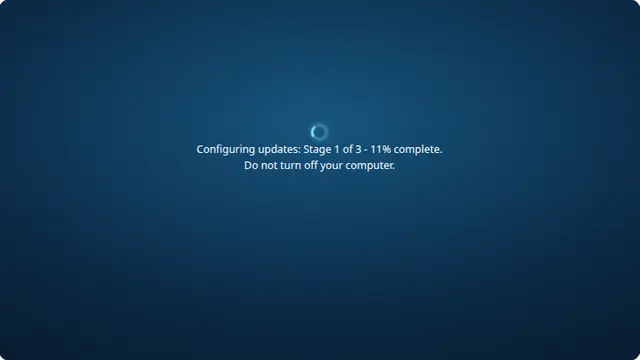
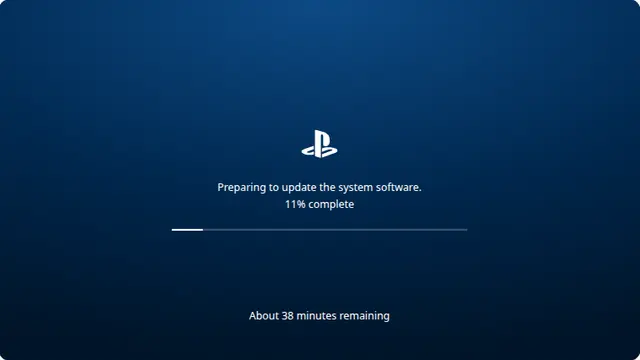
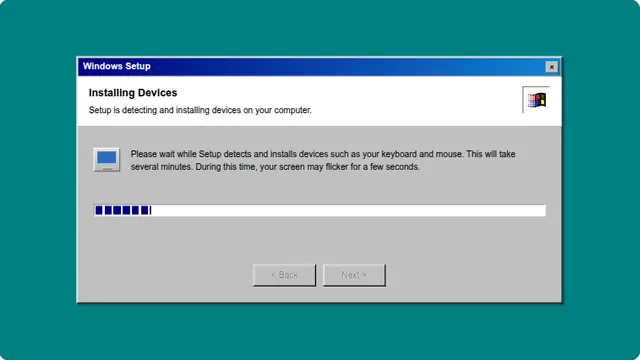
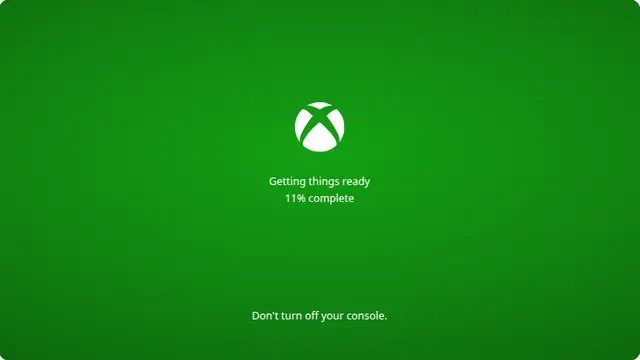
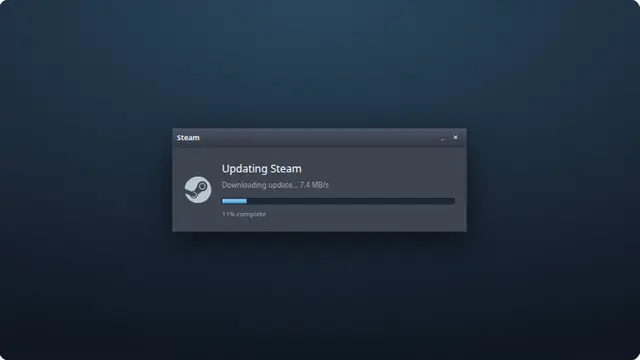
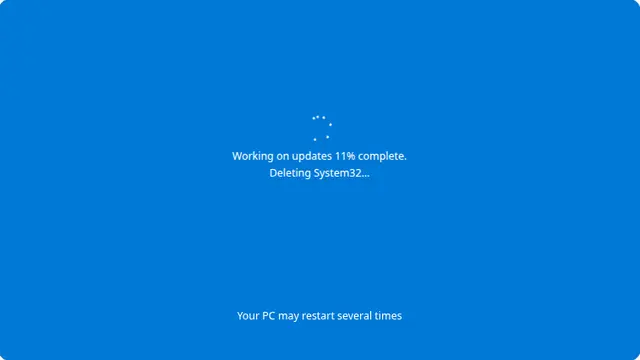


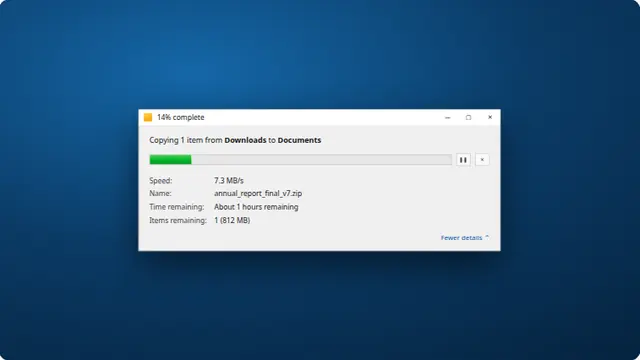
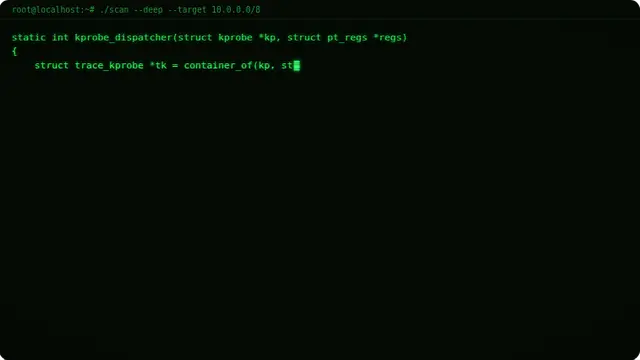
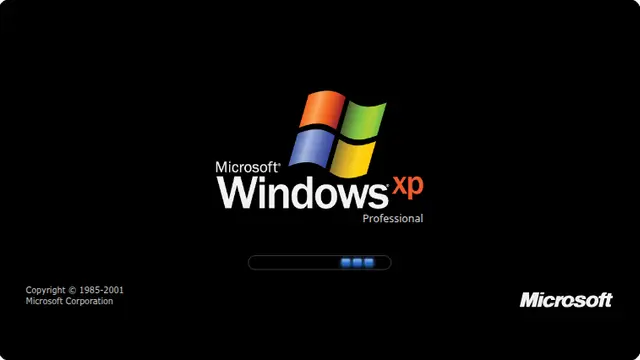
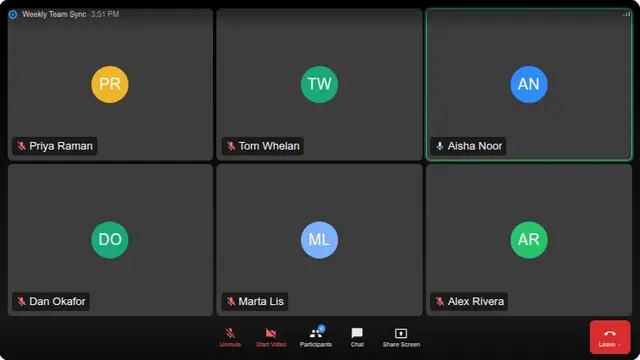
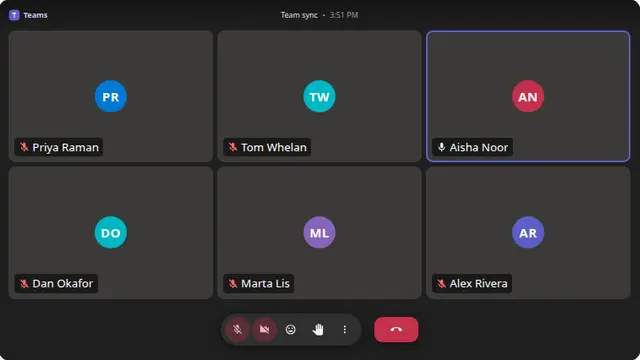
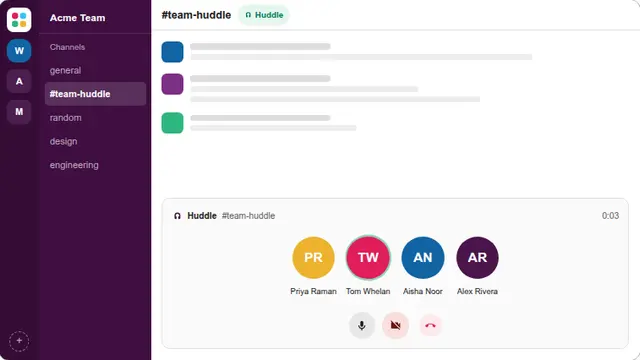































What the fake loading screen is
The progress is deliberately asymptotic: the closer it gets to the end, the slower it moves, so it approaches ninety-nine per cent and stops there permanently. That is a more infuriating shape than a bar that simply resets, because it always looks like it is nearly done.
The status message underneath cycles through the reassurances every real loading screen uses — "almost there", "nearly done", "still working" — which is exactly what makes it feel authentic.
- A prank on a shared or borrowed computer
- A stand-in loading screen for a stream or a demonstration
- A test of somebody’s patience, with a known outcome
Infinite loading screen prank, in a browser
The pace control changes how quickly it creeps. Turned down it is genuinely glacial; turned up it reaches the plateau fast and then sits there.
Press F11 to hide the browser toolbars, and it becomes indistinguishable from an application that has hung.
How to run it, and how to stop it
Press F for fullscreen, then F11 to hide the browser’s own toolbars. That second step is the one that matters: an address bar sitting above the screen gives the whole thing away instantly.
To end it: Escape leaves fullscreen, F11 brings the toolbars back, and closing the tab removes it entirely. Nothing is installed, no file is written and no setting is changed, so there is nothing to undo afterwards.
Worth saying plainly — use this on people who will find it funny, and on machines you are allowed to touch. Show them the way out once the joke has landed.