











































What the response time test shows
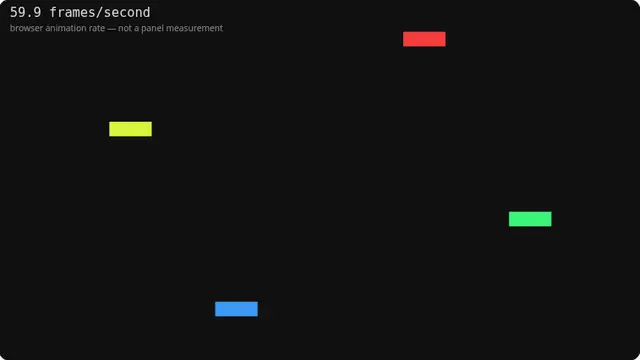
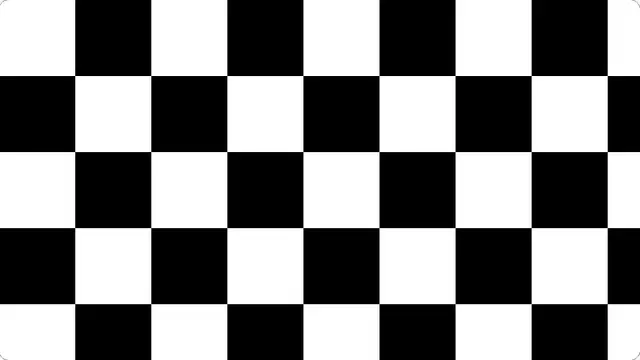
This is the pattern for tuning an overdrive setting. The paired black and white blocks force transitions in both directions at once, and a panel pushed too hard reveals it as inverse ghosting — a halo of the opposite colour trailing each block.
The grey background is deliberate. Grey-to-white and grey-to-black are the transitions overdrive tuning is aimed at, and they are the ones where overshoot is most obvious.
How to tune overdrive with this pattern
Set overdrive to its lowest setting and run this. You should see a soft trail behind the blocks. Step the setting up one at a time until the trail disappears, then look for the opposite artefact: a bright halo behind the dark block, or a dark one behind the light block.
The right setting is the last one before overshoot appears. On most monitors that is the middle option, not the highest — the top setting almost always overshoots badly and exists mainly for the specification sheet.
What this test cannot tell you
This shows you a pattern; it does not measure anything. The browser cannot see your panel and cannot time a pixel transition. Manufacturer response-time figures come from lab equipment, and they are usually best-case grey-to-grey numbers that do not describe normal use anyway.