











































What the monitor test patterns shows
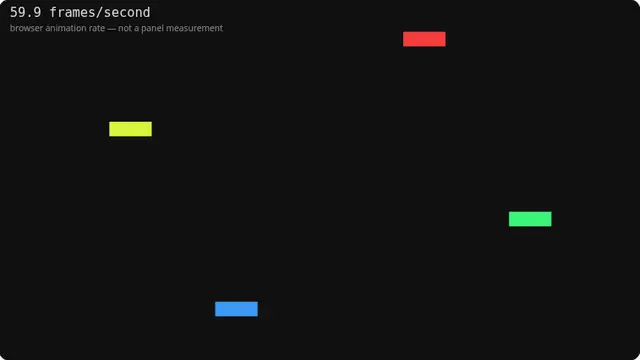
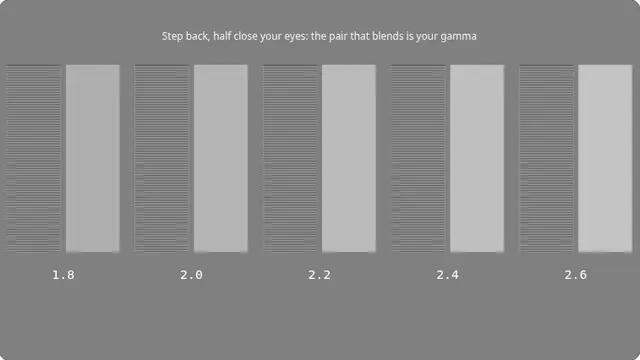
These are the patterns that check the signal path rather than the colour. Together they will tell you whether your display is scaling, cropping, over-sharpening or misconverging — none of which are visible in normal use until you know to look.
Everything is drawn on exact device pixels. That is the whole difference between a useful test pattern and a picture of one.
Which pattern to use for what
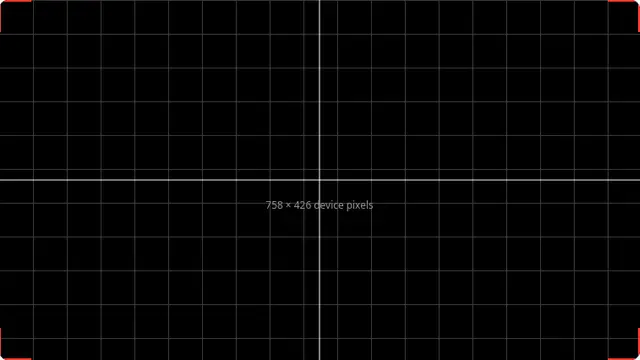
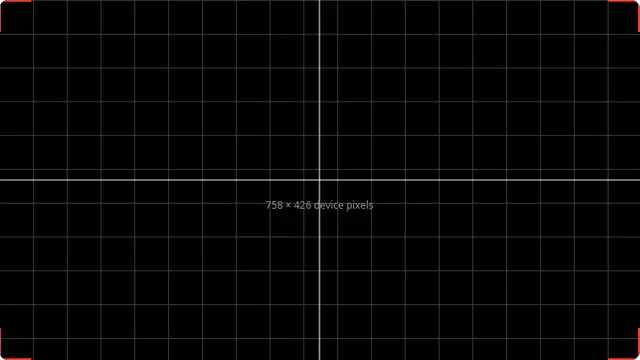
Start with the alignment grid: it catches overscan and scaling at a glance. Then the one-pixel checkerboard for sharpness, and convergence if you are looking at a projector or an older display.
- Alignment grid — overscan, cropping, geometry, uneven scaling
- One-pixel checkerboard — native resolution and over-sharpening
- One-pixel lines — the same thing, more sensitive to horizontal scaling
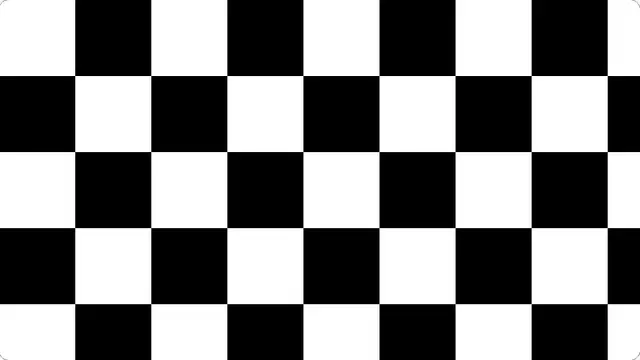
- Contrast checkerboard — black and white handling, and local dimming behaviour
- RGB convergence — colour fringing on projectors and older panels
What this test cannot tell you
All of these depend on 100% browser zoom and a display running at its native resolution. Change either and you are testing the scaler, not the panel.