










































What the grid alignment test shows
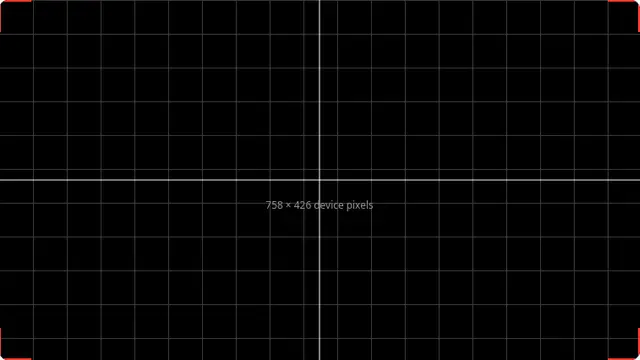
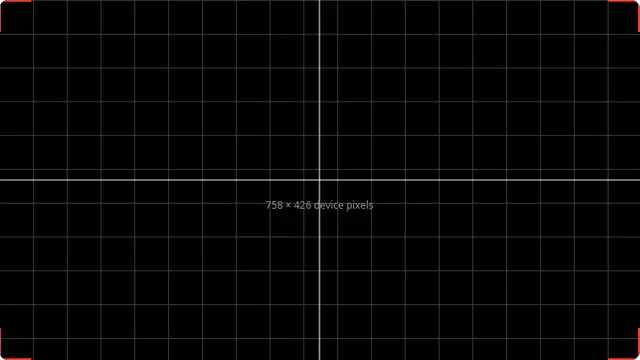
The corner brackets are the useful part. They sit right at the edge of the image, so if you cannot see all four complete, something between the source and the panel is cropping — almost always overscan, which televisions still enable by default in some picture modes.
The grid itself checks that horizontal and vertical spacing is even across the panel. Scaling artefacts show up as lines that are thicker in some places than others, which means the display is not running at its native resolution.
What the grid tells you
All four corner brackets fully visible means no overscan. A missing bracket means the display is cropping the edges of the picture, and the fix is in the display’s own menu — look for "overscan", "just scan", "screen fit" or "1:1 pixel mapping".
Lines of uneven thickness mean the image is being scaled. Set the source to the panel’s native resolution and the lines should become uniform.