














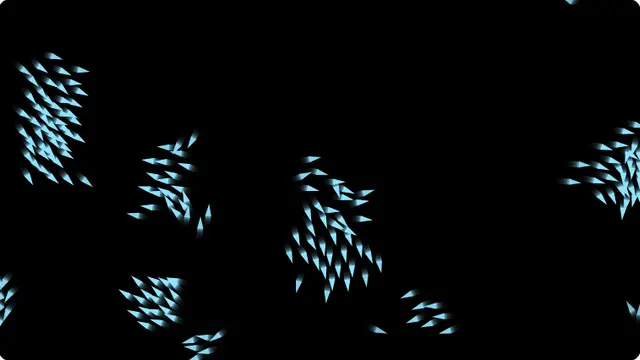































What the starfield screensaver is
Each star has a position in three dimensions and is projected onto the screen, so stars near the camera move quickly and appear at the edges while distant ones barely shift near the centre. When one passes the camera it is recycled far away, which is what makes the field endless.
The streaks are the important part. Drawing a line from where each star was on the last frame to where it is now gives the motion blur that reads as speed; without it the same field looks like dots twitching.
- A background for a stream, a talk or a launch screen
- A sci-fi mood on a spare monitor or a projector
- A long-running idle display with no static elements to burn in
Warp speed screensaver in a browser tab
Push the speed slider up and the streaks lengthen into the warp effect; pull it down and you get a slow drift through a still field, which is far better as a background you have to work next to.
Star count trades detail for load. Twelve hundred stars on a large display is dense and cinematic; four hundred is the comfortable default.
How to run the starfield screensaver full screen
Press the fullscreen button on the player, or the F key. Escape brings you back to the page. On a desktop browser F11 does the same job and hides the browser’s own toolbars as well, which is what you want on a display that is going to be left running.
Everything you change in the settings is written into the address bar as you change it, so the version you have set up is a link. Bookmark it, or send it to whoever is running the screen. Space pauses and resumes at any time.