














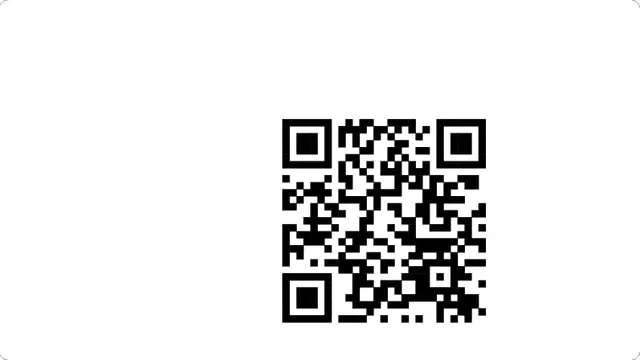





































What the qr code screensaver is
This is genuinely useful on a screen people walk past: a shop display with a menu link, a conference stand with a signup, a reception monitor with the guest wifi. The code is large, high contrast, and surrounded by the four modules of quiet zone the specification requires — codes drawn edge to edge are much harder for a phone to lock onto.
The code is encoded in your browser. Nothing you put in it is sent anywhere, which matters when the thing you are encoding is an internal link or a wifi password.
- A menu, signup or wifi link on a display screen
- A conference or trade stand screen people can scan from a distance
- A quick way to move a link from a desktop to a phone
QR screensaver: put any link on a screen
Add ?text= to the address with the link or text you want encoded, and the code regenerates. That value stays in the URL, so a configured screen is a bookmark you can open on any display.
The drift control sets how far the code wanders. Set it to zero and the code sits centred and still, which is what you want on a screen people are actively scanning; leave it at the default on a display that runs all day.
How to run the qr code screensaver full screen
Press the fullscreen button on the player, or the F key. Escape brings you back to the page. On a desktop browser F11 does the same job and hides the browser’s own toolbars as well, which is what you want on a display that is going to be left running.
Everything you change in the settings is written into the address bar as you change it, so the version you have set up is a link. Bookmark it, or send it to whoever is running the screen. Space pauses and resumes at any time.