















































What the bubble screensaver is
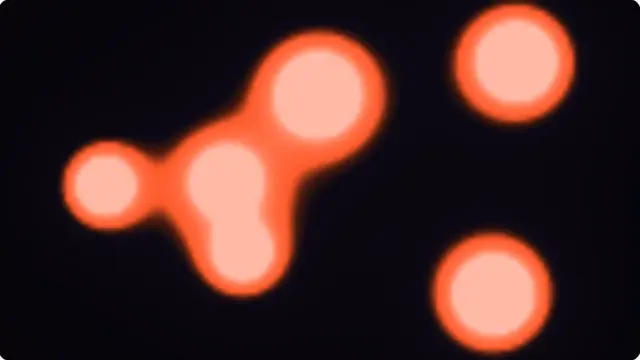
A bubble is not a filled circle. It is a bright rim, one specular highlight offset toward the light, and a very faint fill — those three things together, and nothing else. Draw it as a solid disc and it reads as a dot.
Each bubble rises at its own rate and sways on its own phase, so they never form the visible ranks that give away a simple particle loop.
- A soft, calm background for a waiting area or a shop display
- A gentle idle screen in a room with young children
- A light abstract backdrop for a stream
Floating bubbles on a full screen
Bubble count and rise speed are separate. A few large slow bubbles is calm; a hundred fast small ones is closer to a fizzing drink.
The colour applies to the rim and the fill together, so a single hex value re-tints the whole thing.
How to run the bubble screensaver full screen
Press the fullscreen button on the player, or the F key. Escape brings you back to the page. On a desktop browser F11 does the same job and hides the browser’s own toolbars as well, which is what you want on a display that is going to be left running.
Everything you change in the settings is written into the address bar as you change it, so the version you have set up is a link. Bookmark it, or send it to whoever is running the screen. Space pauses and resumes at any time.