













































What the laser screensaver is
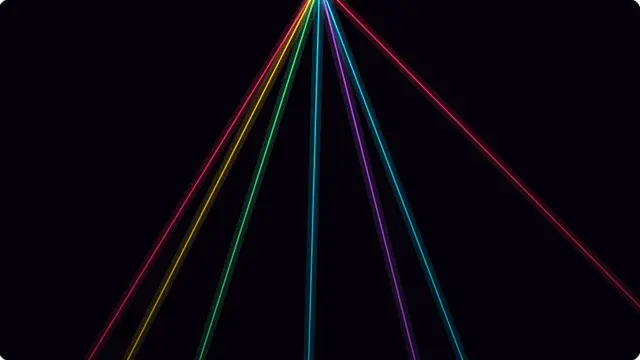
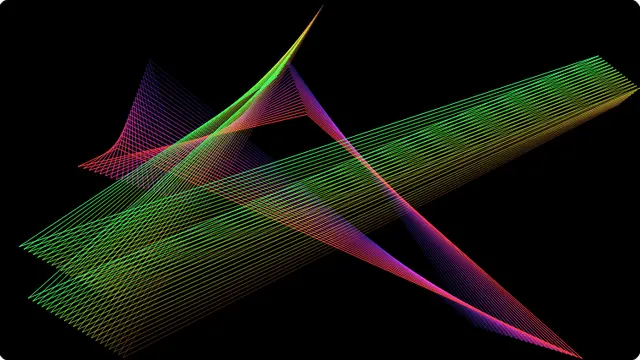
Every beam is drawn twice: once wide and faint for the haze around it, once thin and bright for the core. That pair is the whole trick — a single stroke looks like a drawn line, and the two together look like a beam cutting through a smoky room.
Each beam sweeps at a different rate and starts from a different phase, so they cross in patterns that take a long time to repeat.
- A party or club look on a projector or a large screen
- A high-energy background for a stream or a stage
- A striking display in a dark room
Laser light show in a browser tab
Beam count runs from two to sixteen. A small number is more legible and more dramatic; sixteen is a wall of light.
This one is genuinely bright, and it flickers as beams cross. If that is a problem for anyone in the room, the Pause button freezes it in place immediately.
How to run the laser screensaver full screen
Press the fullscreen button on the player, or the F key. Escape brings you back to the page. On a desktop browser F11 does the same job and hides the browser’s own toolbars as well, which is what you want on a display that is going to be left running.
Everything you change in the settings is written into the address bar as you change it, so the version you have set up is a link. Bookmark it, or send it to whoever is running the screen. Space pauses and resumes at any time.