












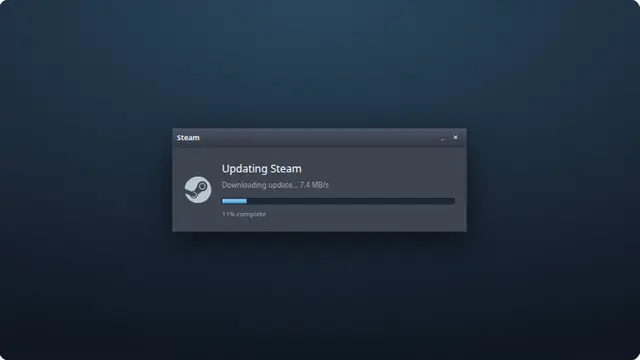
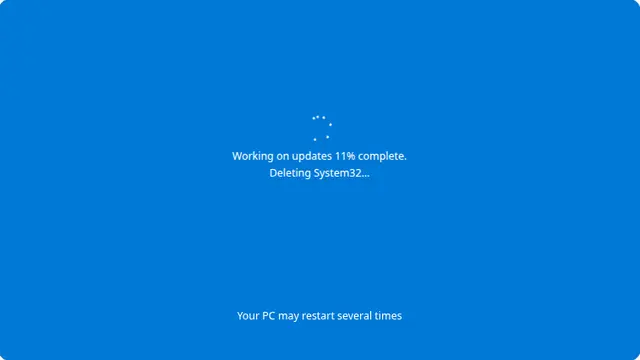

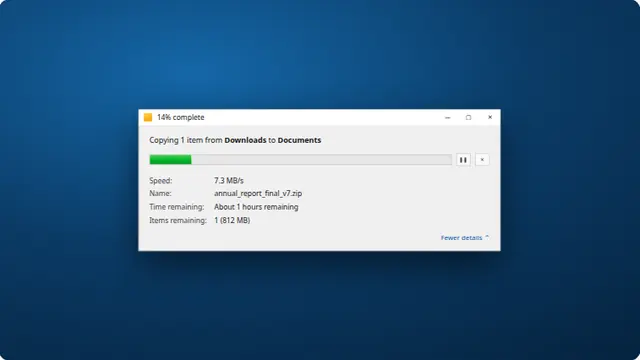































What the fake download screen is
Everyone recognises this behaviour. The estimate is confidently wrong, the speed collapses without explanation, and the last few per cent take longer than everything before them. Reproducing that unreliability is what makes it work — a smooth, honest download would fool nobody.
The file name and size are picked at random from a set of plausibly enormous things: a six gigabyte backup, a multi-gigabyte installer, a folder of holiday photos.
- A prank on someone with a slow or metered connection
- A stand-in download for a demonstration or a screenshot
- A gentle way to explain why download estimates should not be trusted
Fake file download, nothing actually downloaded
No request is made and no file exists. The name, the size, the speed and the estimate are all drawn on the page.
The estimate updates about once a second and moves considerably each time, which is the single most recognisable thing about a real download.
How to run it, and how to stop it
Press F for fullscreen, then F11 to hide the browser’s own toolbars. That second step is the one that matters: an address bar sitting above the screen gives the whole thing away instantly.
To end it: Escape leaves fullscreen, F11 brings the toolbars back, and closing the tab removes it entirely. Nothing is installed, no file is written and no setting is changed, so there is nothing to undo afterwards.
Worth saying plainly — use this on people who will find it funny, and on machines you are allowed to touch. Show them the way out once the joke has landed.