














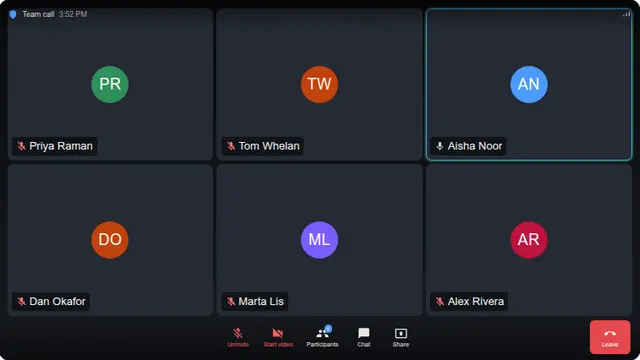































What the fake zoom call is
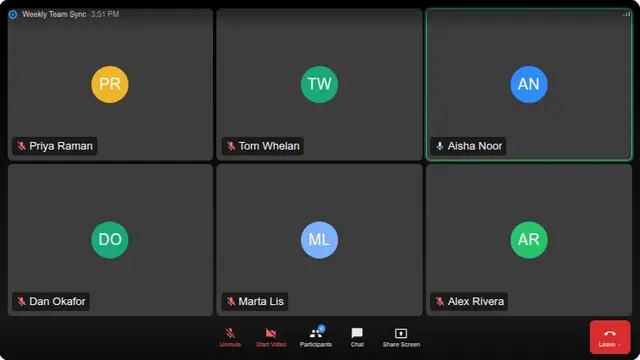
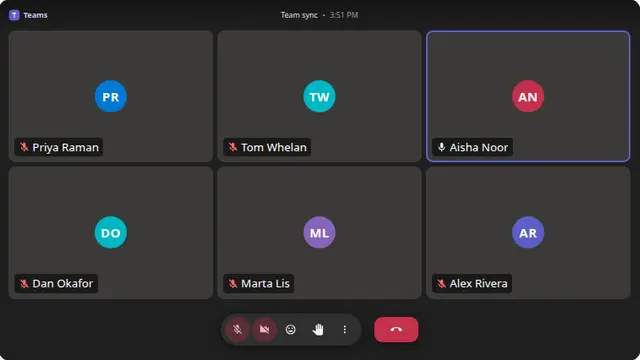
The active-speaker ring is the one detail that matters. A still grid of tiles reads as a screenshot; a ring that jumps between people every few seconds reads as a live call, even though nothing else on the screen is moving.
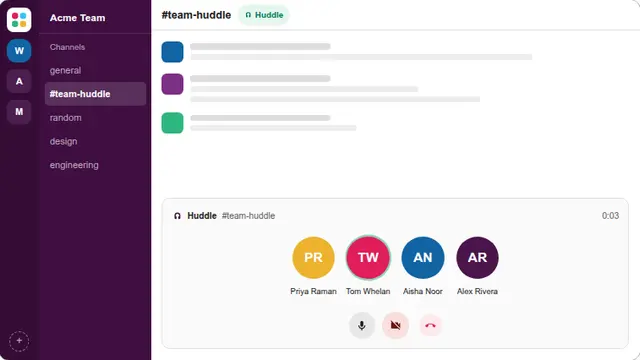
Everyone sits muted except whoever currently has the floor, which is what a real meeting looks like and what makes the little microphone glyphs move. The grid repacks itself for the number of people and the shape of the screen, rather than holding a fixed number of columns.
- Looking unavailable on a shared or open-plan screen
- A prop meeting for a screenshot, a mockup or a talk
- A joke for anyone who spends too much of their week in calls
Fake video meeting screen, no account
No account, no meeting link and no camera permission. The page never asks for access to anything, because there is nothing to connect to.
The participant count is adjustable from two to nine, and the value is kept in the URL.
How to run it, and how to stop it
Press F for fullscreen, then F11 to hide the browser’s own toolbars. That second step is the one that matters: an address bar sitting above the screen gives the whole thing away instantly.
To end it: Escape leaves fullscreen, F11 brings the toolbars back, and closing the tab removes it entirely. Nothing is installed, no file is written and no setting is changed, so there is nothing to undo afterwards.
Worth saying plainly — use this on people who will find it funny, and on machines you are allowed to touch. Show them the way out once the joke has landed.